
Juggling client deliverables, team capacity, billable hours, and communication across multiple disconnected apps leads to lost context, missed deadlines, and shrinking margins. Dedicated agency management software provides a single hub to unify client accounts, team collaboration, and financials in one operational center. This guide reviews and compares 2026’s top 10 agency platforms to help you determine the optimal fit for your operational needs
What Makes Great Agency Management Software
Before reviewing the top platforms, it is essential to understand the core functionality required to run a high-performing agency:
- Centralized Collaboration with Clients and Partners: Access for native clients, management of partners outside of the company, and secure asset management to update your clients without emails back and forth.
- Flexibility with Tasks and Workflows: Views from a board, a list, and a timeline that will perfectly match your specific delivery process.
- Capacity Planning: Features to manage the workload of team members to avoid any kind of burnout.
- Time & Financial Analytics: Native time tracking tools that will let you calculate billable hours and real-time account margins.
- Internal Communication: Contextual chat, discussion in tasks, and internal messaging right in the project management system.
Comparison Table: Top 10 Agency Tools at a Glance
| Software Tool | Best For | Native Client Portal | Integrated Chat | Native Time Tracking | Starting Price |
| Productive | Agency Operations & Financial Forecasting | Included | Basic Comments | Built-in | $10/seat/mo |
| Monday.com | Visual Workflows & Cross-Team Boards | Limited (Guest seats) | Workspace Comments | Native (Pro tier) / Add-on | $12/seat/mo (3-seat min) |
| Zynito | Partner Company Management & Unified Operations | Full Native Access | Full Built-in Chat | Built-in | Starts from $4.99/seat/mo |
| Jira | Agile Technical & Dev Agencies | Limited | Integration needed | Add-on required | $7.91/seat/mo |
| Trello | Lightweight Visual Kanban | Guest Access | Add-on required | Third-party | $6/seat/mo |
| Asana | Cross-Departmental Execution | Guest Access | Project Comments | Native (Paid tiers) | $13.49/seat/mo |
| ClickUp | Highly Customizable Workspaces | Guest Permissions | Native Chat View | Built-in | $10/seat/mo |
| Smartsheet | Grid & Spreadsheet-Based Operations | Guest Access | Row Comments | Add-on (Resource Management) | $12/seat/mo |
| Wrike | Enterprise Agency Workflows | Proofing/Guest Access | Activity Stream | Native (Paid tiers) | $12/seat/mo |
| Zoho Projects | Ecosystem Integration & Low Cost | Client Users | Integration (Zoho Cliq) | Built-in | $5/seat/mo |
Detailed Reviews: The 10 Best Agency Management Software Tools
1. Productive
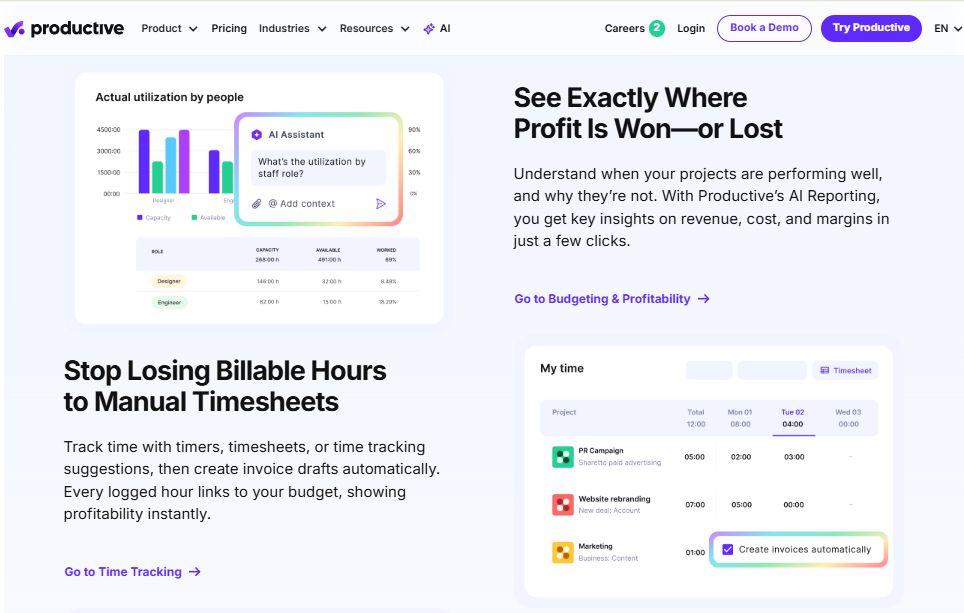
Productive is an end-to-end management platform engineered specifically for agency sales, scheduling, and delivery operations.
Why Productive Stands Out
- Sales Pipeline Integration: Manage client leads from deal stage directly through to project setup.
- Capacity Planning: High-level resource management tools to schedule team members based on availability and billable targets.
- Profitability Insights: Real-time visibility into project budgets, overhead, and gross margins.
Productive is well-suited for mid-sized agencies focused on operational scaling and resource allocation.
2. Monday.com
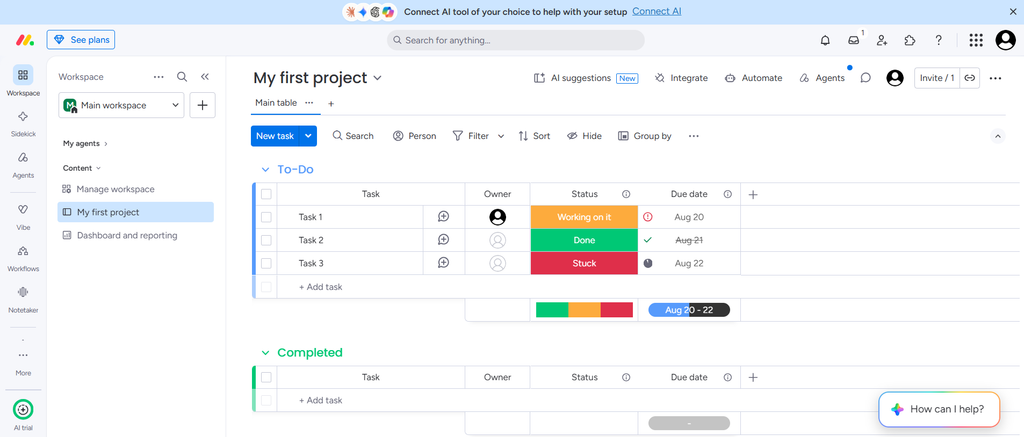
Monday.com is widely recognized for its vibrant, highly visual workspace interface. For agencies looking to build custom visual boards for campaign launches, editorial calendars, or video production schedules, Monday.com provides exceptional flexibility.
Why Monday.com Stands Out
- Custom Automation Builder: Automate recurring task creation, status notifications, and hand-offs without writing code.
- Flexible Views: Toggle between Kanban boards, Gantt charts, maps, and workload views instantly.
- Extensive Integration Marketplace: Connect your workflow with external storage, CRM, and design applications effortlessly.
Monday.com works exceptionally well for creative teams that require high visual clarity across multi-stage campaigns.
3. Zynito
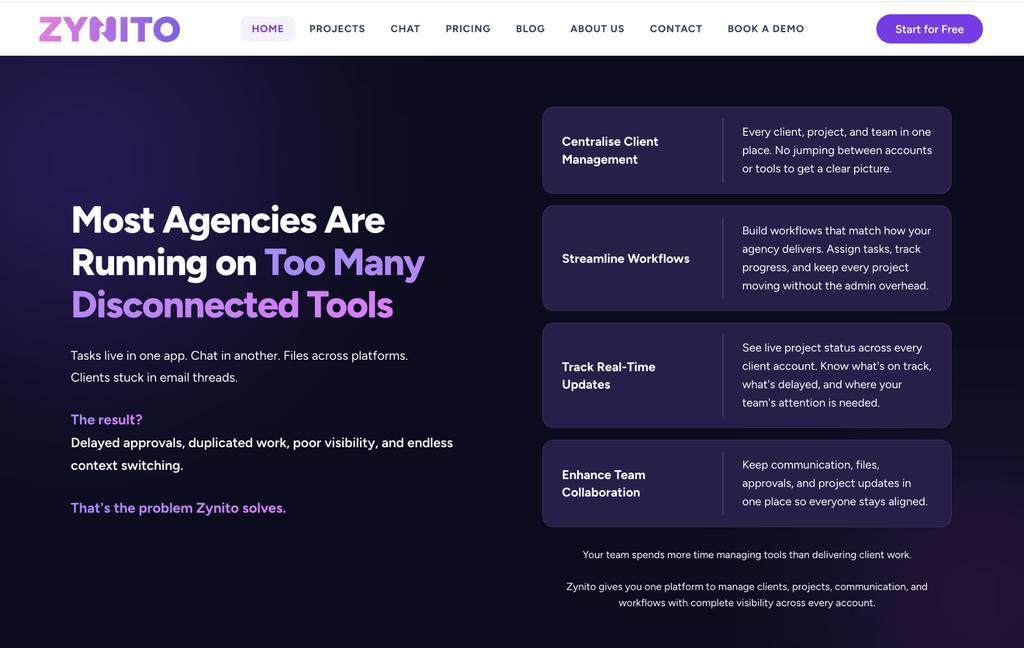
Zynito is a dedicated workspace platform engineered specifically around the day-to-day realities of running modern client service businesses, creative studios, and software agencies. Where generic task managers force agencies to cobble together multiple separate apps for chat, client portals, and time tracking, Zynito unifies these capabilities into one seamless, cost-effective platform.
Why Zynito is a Top Choice for Agencies
Many agencies end up paying for separate tools for task management, chat, time tracking, and client access. Zynito combines these capabilities in one workspace, which can reduce both tool sprawl and overall subscription cost for teams that need all of them.
- Partner Company Management: Enables agencies to manage subcontractors, external partners, and partner agencies in a single master environment without duplicating workspaces.
- Integrated Team Chat & AI Assistant: Features built-in team chat with channels, threaded replies, voice messages, and AI-powered summaries for fast updates and client reporting.
- Native Client Portals: Allows client representatives to review task statuses, upload project briefs, and approve deliverables in real time.
Explore detailed project management features – link to https://zynito.com/projects
Pricing & Tiers:
- Free Plan: Free for up to 3 workspace members.
- Pro Chat: $4.99/seat/month.
- Pro Projects: $6.99/seat/month.
- Pro Bundle: $9.99/seat/month (Includes full Chat + Projects functionality).
Explore any paid tier for 14 days, completely free and without the requirement of a credit card.
4. Jira
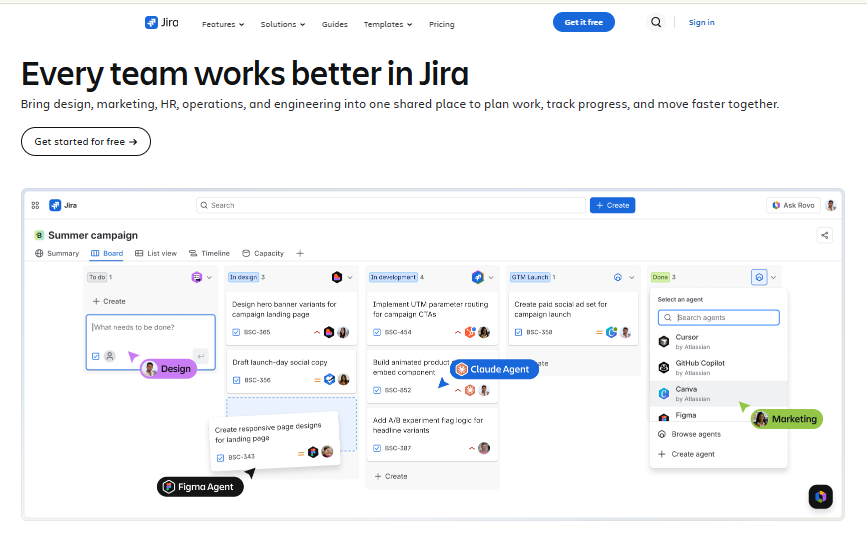
Developed by Atlassian, Jira is the industry standard for agile software development, issue tracking, and technical project management.
Why Jira Stands Out
- Agile Frameworks: Native support for Scrum boards, Kanban boards, sprint backlogs, and burn-down charts.
- Developer Ecosystem Integrations: Connects directly with GitHub, GitLab, Bitbucket, and CI/CD pipelines.
- Custom Issue Workflows: Build deep, rule-based routing for technical tasks, bug tracking, and release management.
For technical agencies and specialized web development firms building complex software products, Jira delivers unmatched technical tracking capability.
5. Trello
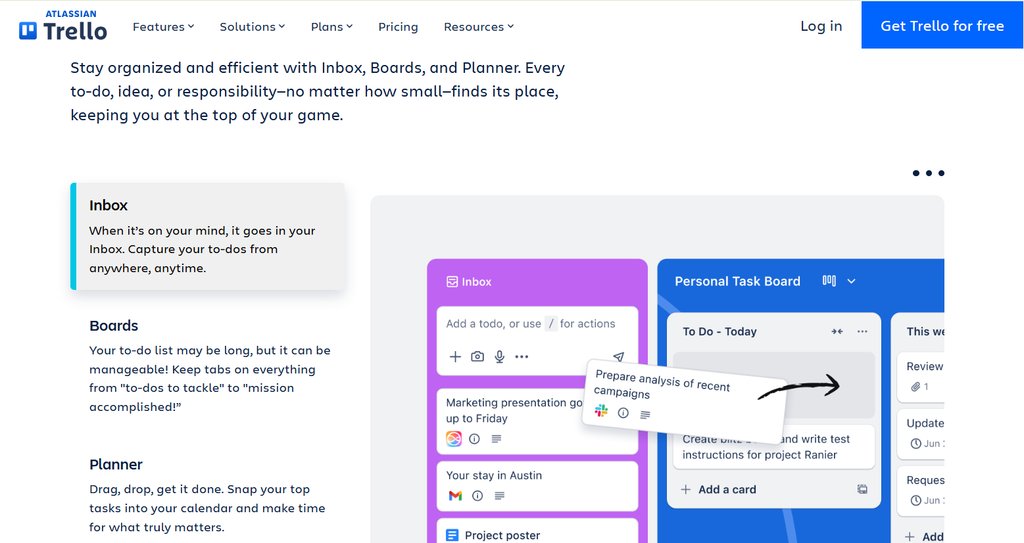
Trello provides an accessible card-and-board approach based on classic Kanban methodology.
Why Trello Stands Out
- Intuitive Kanban Experience: Drag-and-drop cards make board management instantly understandable for any user.
- Butler Automation: Built-in automation rules that trigger based on card moves, date changes, or checklist updates.
- Power-Up Library: Extend boards with third-party extensions for calendar views, voting, or extra field customization.
Trello is ideal for smaller creative shops or teams looking for a lightweight, visual tool for straightforward task management.
6. Asana
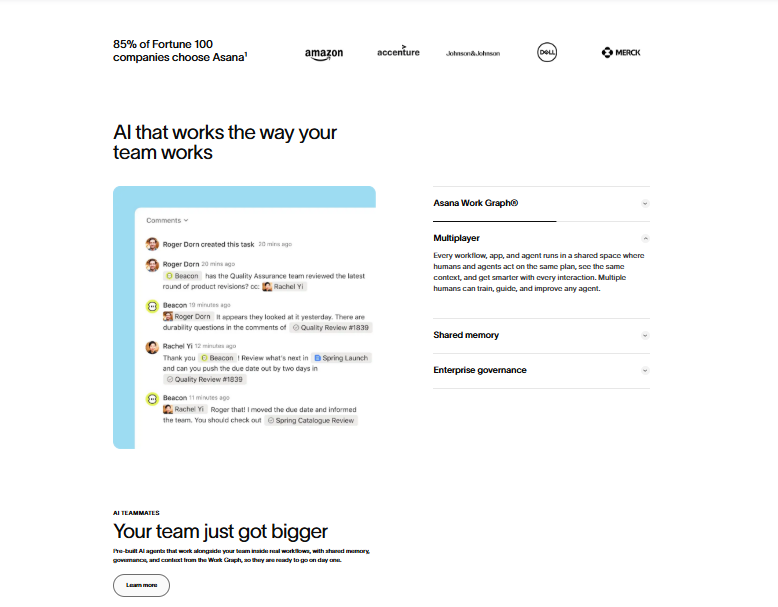
Asana excels at organizing multi-departmental workflows, cross-project dependencies, and organizational goals into clean visual views.
Why Asana Stands Out
- Portfolios & Goals: Track top-level agency objectives alongside individual project health indicators.
- Workload Management: See team capacity across multiple projects simultaneously to rebalance assignments.
- Timeline View: Create interactive Gantt-style charts to visualize project schedules and critical path dependencies.
Asana is a strong candidate for marketing and branding agencies managing complex, multi-stage client campaigns.
7. ClickUp
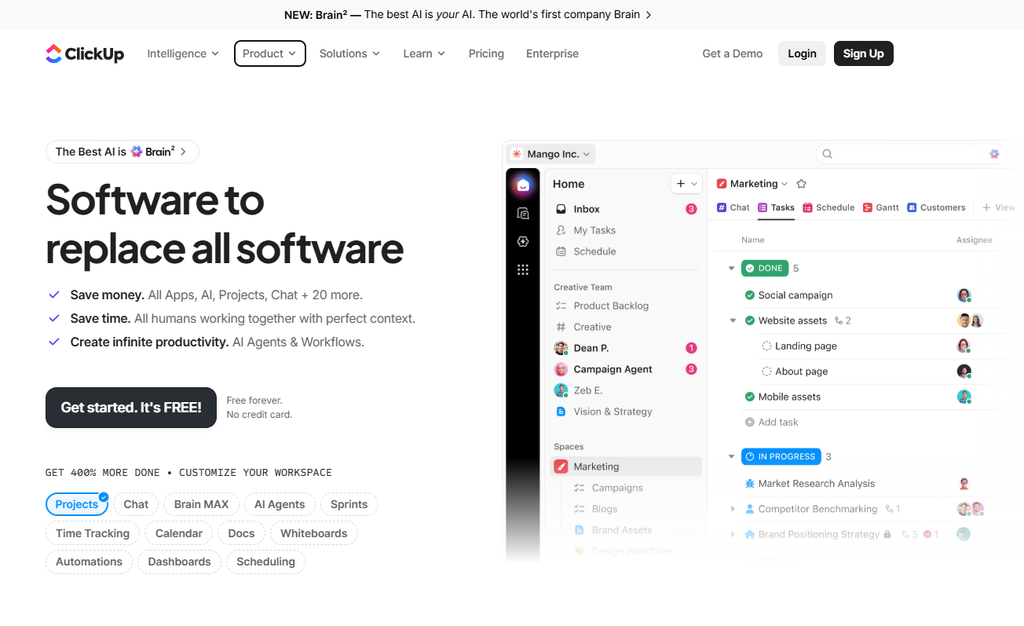
ClickUp is known for its feature-rich design and deep customization capabilities, aiming to replace multiple workspace apps under one umbrella.
Why ClickUp Stands Out
- Multiple Workspace Views: Switch effortlessly between List, Board, Box, Calendar, Mind Map, and Gantt views.
- Custom Field Flexibility: Create customized field types to track specific project data points across every level of the hierarchy.
- Built-in Docs & Dashboards: Store internal documentation, client wikis, and high-level reporting widgets natively inside your workspace.
ClickUp is a powerful solution for growing teams that need extensive custom configuration options.
8. Smartsheet
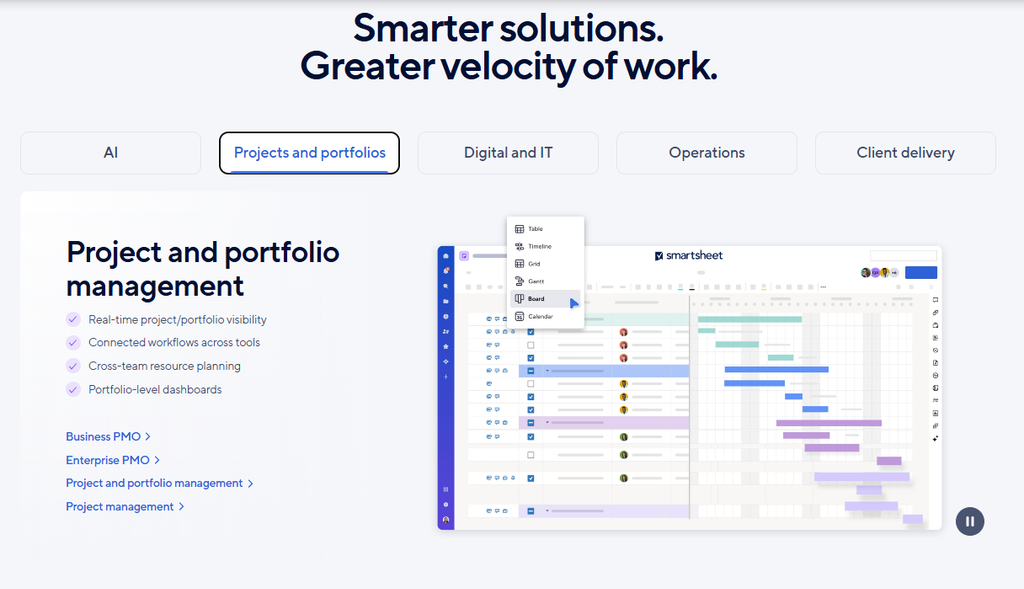
Smartsheet combines the familiar structure of traditional spreadsheets with powerful automated project management capabilities.
Why Smartsheet Stands Out
- Grid Interface: Perfect for users comfortable with formulas, spreadsheet structures, and tabular data.
- Automated Request Forms: Collect client briefs or work requests via custom web forms that populate sheet rows automatically.
- Executive Reporting: Build high-level dashboards compiling data from dozens of underlying spreadsheets.
Smartsheet provides an excellent operational bridge for larger services businesses transitioning away from legacy spreadsheets.
9. Wrike
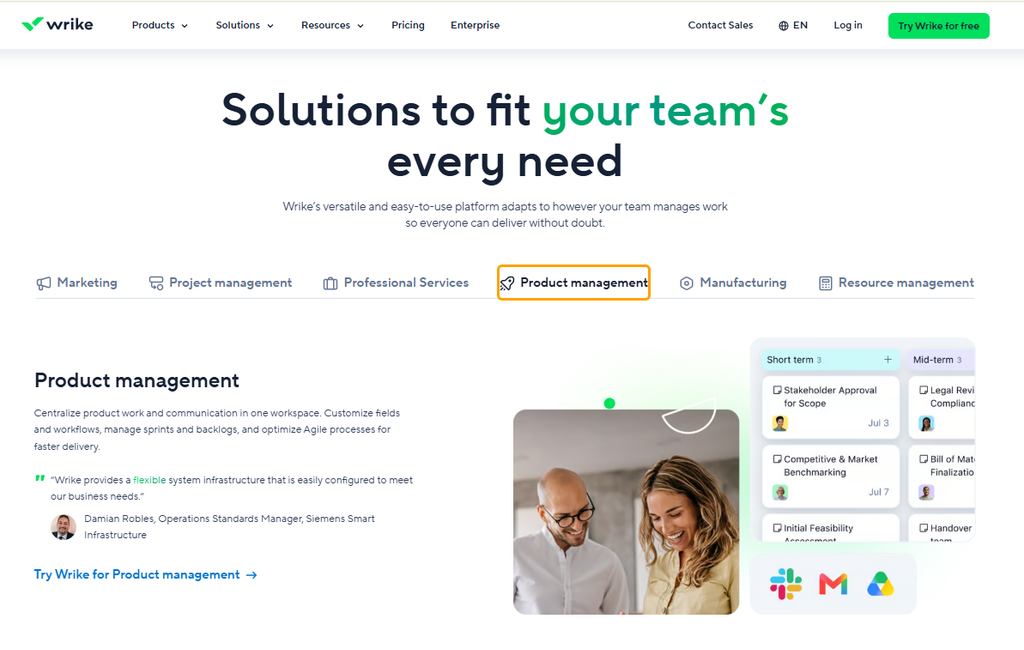
Wrike is an enterprise-ready work management platform designed to support complex collaborative workflows across large service organizations.
Why Wrike Stands Out
- Proofing & Approvals: Review and annotate design assets, video files, and documents directly within tasks.
- Custom Item Types: Tailor task nodes, project structures, and custom request workflows to mirror agency processes.
- Security & Permissions: Enterprise-grade security controls, custom role permissions, and compliance features.
Wrike is ideal for enterprise creative teams and multi-location agencies requiring strong asset proofing and governance.
10. Zoho Projects
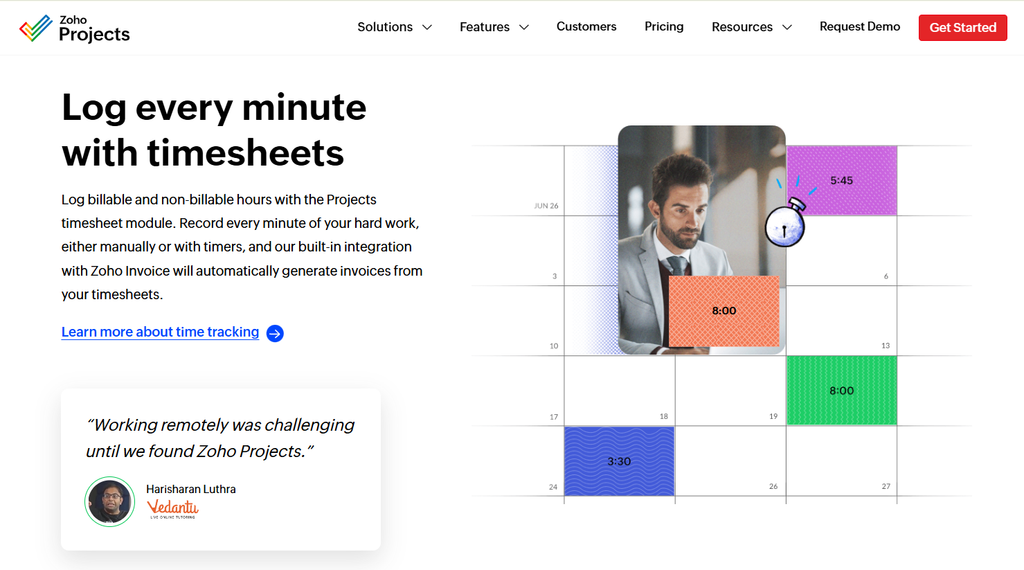
Zoho Projects is a cloud-based project tracking tool that provides cost-effective project planning, bug tracking, and milestone management.
Why Zoho Projects Stands Out
- Zoho Ecosystem Sync: Connects seamlessly with Zoho CRM, Zoho Books, Zoho Desk, and Zoho Cliq.
- Interactive Gantt Charts: Plan project schedules, set dependencies, and track critical paths easily.
- Affordable Pricing Structure: Delivers core project features at a lower per-user cost compared to many standalone tools.
Zoho Projects is an excellent choice for budget-conscious agencies already leveraging other products within the Zoho software ecosystem.
Key Features to Consider Before Choosing
Selecting the right platform depends on your specific agency delivery model, client communication needs, and financial tracking requirements.
Client Management & Communication
Streamlining how you communicate with client stakeholders is essential for scaling service operations. Tools like Zynito feature built-in client portals and integrated messaging channels, keeping feedback organized right next to deliverable tasks. This eliminates lost context across separate email threads.
Operational Efficiency
Instead of subscribing to separate platforms for project tracking, team messaging, and time logging, adopting a unified platform helps reduce overall software overhead and administrative effort.
Financial & Time Analytics
Utilizing a platform with native time tracking software capabilities allows you to monitor billable hours against estimated budgets in real time.
FAQs
- What is agency management software?
Agency management software is a specialized business platform designed to help digital agencies, creative studios, marketing firms, and consultancies plan projects, track tasks, manage client communications, log time, and monitor operational performance within a unified workspace.
- Why should agencies use specialized software instead of general project management tools?
Generic project management apps are built for internal team task tracking. Specialized agency tools incorporate critical client-facing workflows, such as native client portals, external partner company collaboration, integrated team chat, and billable time tracking.
- How does integrated time tracking benefit agency profitability?
Integrated time tracking software logs employee effort directly against specific tasks and project milestones. This allows agency leaders to compare actual billable hours against quoted estimates, identify scope creep early, and protect project margins.
- Can clients be invited to project management software safely?
Yes. Platforms built for agencies provide permission-controlled client access. Client contacts can review progress, upload project briefs, and approve deliverables in a dedicated view without seeing internal team chat, private comments, or confidential financial details.
- What is the advantage of having built-in team chat inside agency management software?
Having built-in chat tied directly to tasks and projects eliminates context switching. Team members can discuss work, share files, and trigger AI conversation summaries in the exact location where work is being completed, rather than digging through separate external messaging applications.
Transforming Your Agency Operations
Choosing the right agency management software can fundamentally transform how your team executes client work, manages communication, and scales revenue. Rather than managing disconnected subscriptions across multiple apps, moving to a unified platform brings your people, processes, and client accounts together.
If you are ready to eliminate tool fragmentation and run your agency from a single platform, explore how Zynito can streamline your workflow today.
Get Started with Zynito for Free – Experience complete visibility over client deliverables, team communication, and project timelines.
One Response