
Running a digital marketing agency means juggling a dozen client accounts, a hundred deadlines, and an inbox full of “just one small change” requests, often all before lunch. If your team is still tracking campaigns across spreadsheets, email threads, and a messaging app that nobody checks consistently, you already know how quickly things fall through the cracks.
This is exactly why so many agencies are switching to dedicated project management software for digital marketing agencies. The right platform doesn’t just organise tasks; it keeps client work visible, approvals moving, and reporting simple, without adding another layer of admin to your team’s day.
In this guide, we’ll walk through what makes agency project management different from generic task management, compare the best tools on the market in 2026, and help you work out which one actually fits how your agency operates.
Why Digital Marketing Agencies Need Dedicated Project Management Software
Most project management tools were built with internal teams in mind: one company, one set of stakeholders, one workflow. Agencies don’t work that way.
A single account manager might be juggling five clients at once, each with their own brand guidelines, approval chains, and reporting expectations. A generic to-do list app simply wasn’t designed for that level of complexity.
This is where marketing campaign management software earns its keep. Agencies need a system that can handle multiple clients, multiple campaigns, and multiple deadlines at once, without everything blurring into a single chaotic board.
Here’s what tends to break down without the right system in place:
- Client feedback gets lost across email, Slack, and comment threads on shared documents.
- Deadlines slip because nobody has a clear view of what’s actually due this week versus next month.
- Reporting becomes a scramble at the end of every month, pulling data from five different platforms.
- Team capacity is a guessing game, so new client work gets accepted without knowing if anyone has the hours to deliver it.
- Approvals stall, particularly for social content, where a single sign-off can hold up an entire campaign.
None of these problems are unusual. They’re just symptoms of using the wrong tool, or no tool at all, for a business model built around constant client collaboration.
Explore detailed project management features – link to zynitoprojects
What to Look for in Project Management Software for Digital Marketing Agencies
Not every feature matters equally. Below are the areas worth paying closest attention to when you’re comparing options.
Client Collaboration and Approval Workflows
Agencies live and die by how quickly clients can review and approve work. A tool that supports a proper social media approval workflow, where clients can comment, request changes, and approve content in one place, saves hours every week compared to chasing sign-off over email.
Look for guest access or client portals that don’t require your client to learn a whole new platform just to leave feedback.
Content Calendar and Campaign Planning
If your agency handles social media, email, or content marketing, a visual calendar view is close to essential. Good content calendar software for agencies lets your team plan weeks or months of content at a glance, spot gaps early, and reschedule without breaking the whole plan.
Time Tracking and Profitability Per Client
Agencies bill by the hour, by retainer, or by project, and often all three at once. Built-in time tracking, ideally tied to specific clients and tasks, makes it far easier to see which accounts are actually profitable and which ones are quietly eating your team’s time.
Reporting and Client-Facing Dashboards
Clients want to know what they’re paying for. Client reporting software for agencies that can generate shareable dashboards or automated reports saves your team from manually building slide decks every month.
Integrations and Automation
Your PM tool shouldn’t exist in isolation. Look for integrations with the platforms your agency already relies on: ad platforms, email tools, design software, and communication apps. Strong automation features also cut down on repetitive admin, like moving tasks between stages or notifying a client when work is ready for review.
If SEO sits alongside your campaign work, it’s worth checking how well a tool handles that side too. Our guide to project management software for SEO agencies breaks down the features that matter specifically for SEO-focused teams.
Best Project Management Software For Digital Marketing Agencies in 2026
There’s no single “best” tool for every agency. The right choice depends on your team size, the complexity of your client work, and your budget. Here’s how the leading options compare.
1. Monday.com
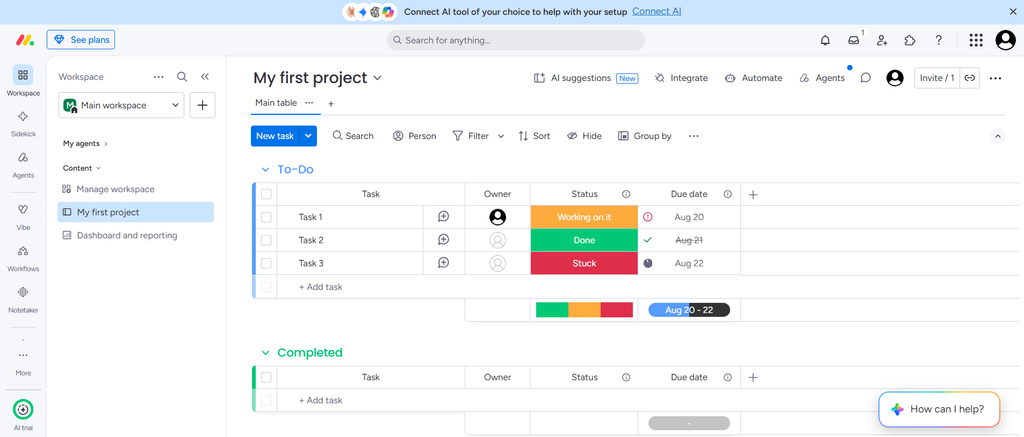
Monday.com is one of the most flexible platforms on this list, thanks to its highly visual, customisable boards. Agencies like it for the sheer range of templates and the colour-coded views that make status tracking easy at a glance.
What stands out:
- Extensive template library, including some built for marketing teams
- Automations that are genuinely simple to set up, even for non-technical users
- Strong third-party integrations
The trade-off is that Monday.com can require some setup work before it feels tailored to agency life, particularly around client-facing views and approvals.
2. Zynito
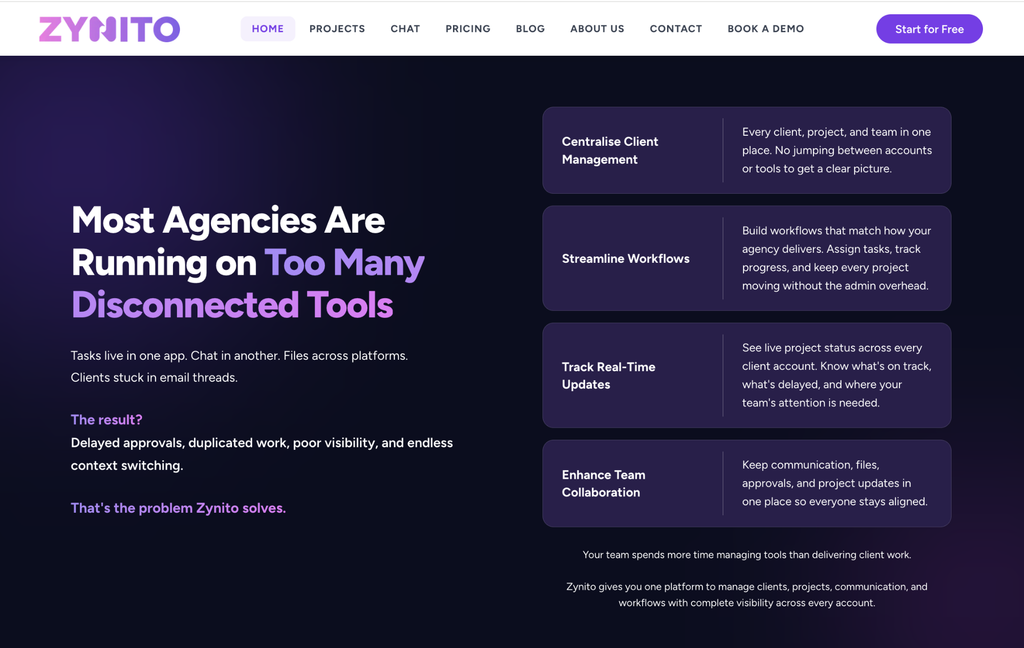
Zynito is built with agencies specifically in mind, rather than being a general-purpose PM tool adapted for client work after the fact. It combines campaign planning, approval workflows, and reporting in a single workspace, which means less time switching between apps.
What stands out:
- Client-facing dashboards that update automatically, cutting down on manual report building
- Approval flows designed for creative and social content, not just generic task sign-off
- Built-in time tracking tied directly to client accounts and campaigns
Zynito is best suited to agencies that want a tool built around how agency work actually flows, from campaign planning through to client reporting, rather than one that needs heavy customisation to fit.
Want to see it in action? Try Zynito free and get your first campaign board set up in minutes.
3. Asana
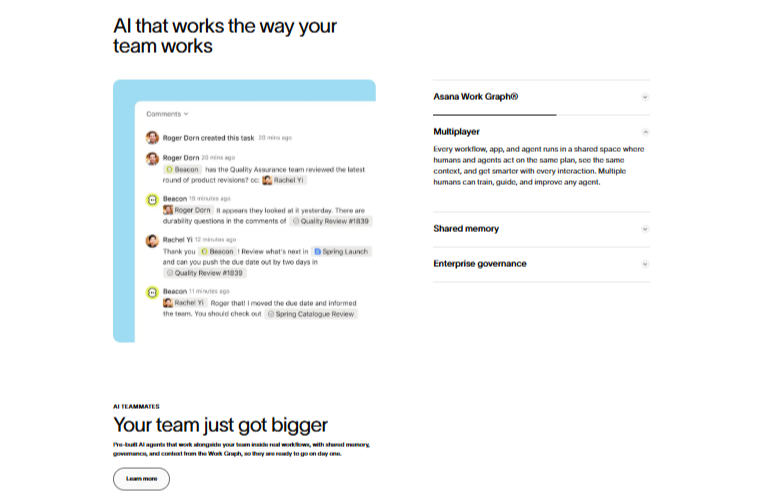
Asana is a solid all-rounder, popular with marketing teams for its clean interface and strong task-dependency features. It handles campaign timelines well and offers decent reporting through its dashboard views.
What stands out:
- Timeline (Gantt-style) view for campaign planning
- Workload view to track team capacity
- Custom fields for tagging client, campaign, or content type
Where it falls slightly short for agencies is client collaboration; external guest access is more limited than some competitors, which can be a hurdle if clients need to comment directly on tasks.
4. ClickUp
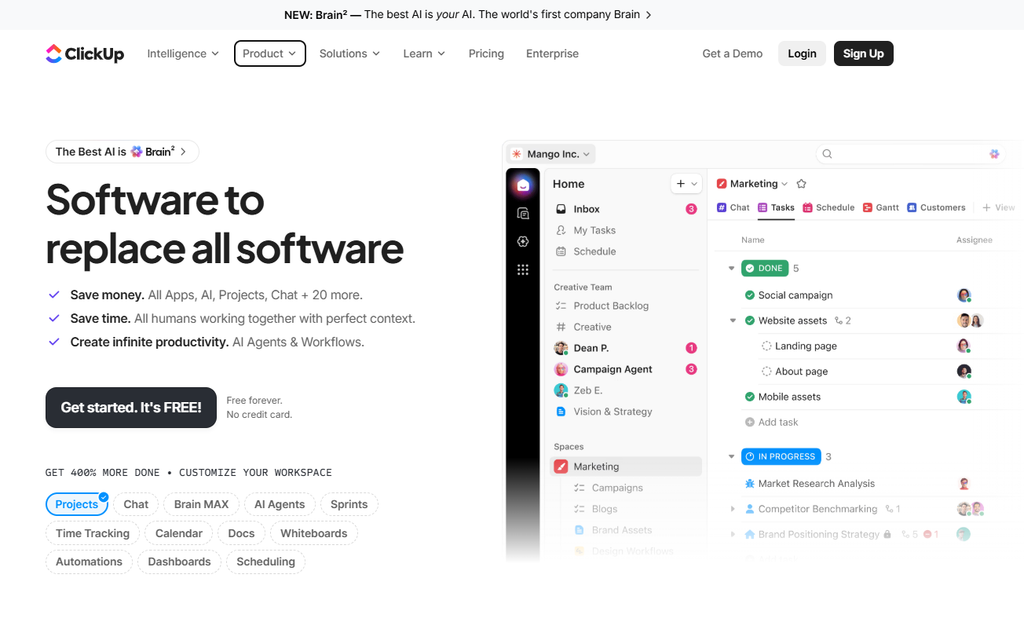
ClickUp markets itself as an all-in-one workspace, and for agencies willing to invest time in setup, it genuinely can replace several separate tools. It’s highly configurable, sometimes to a fault.
What stands out:
- Multiple view types (list, board, calendar, Gantt, and more) within the same workspace
- Native docs and goal tracking alongside task management
- Generous free tier compared to many competitors
The flip side is a steeper learning curve. Teams that want something ready to use on day one may find ClickUp’s flexibility slows them down initially.
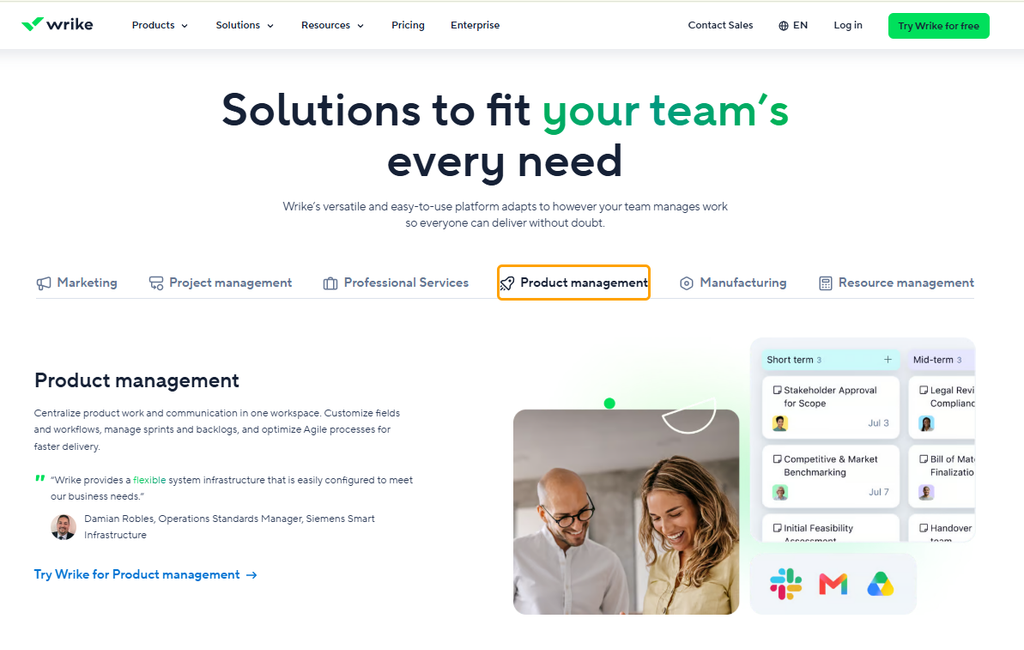
5. Wrike
Wrike leans towards mid-size and larger agencies that need more structured workflows and reporting. It offers strong resource management features, which help agency leads see exactly who’s overloaded and who has capacity.
What stands out:
- Detailed workload and resource management views
- Proofing and approval tools built specifically for creative files
- Custom request forms for client intake
Wrike’s pricing and feature depth make it a better fit for established agencies than for small teams just getting started.
6. Trello
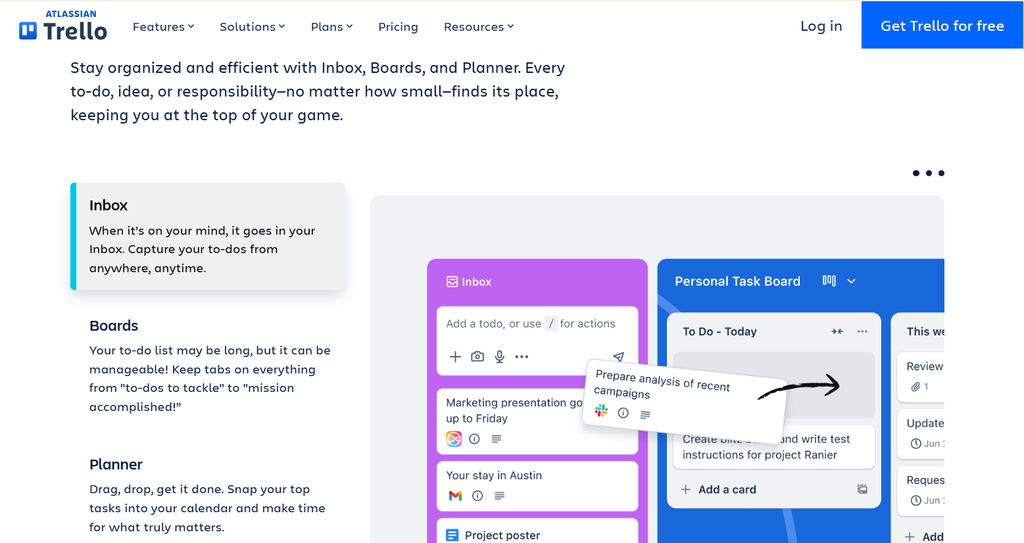
Trello remains a favourite for its sheer simplicity. Its card-and-board system is intuitive from the first login, which makes it a low-friction option for smaller agencies or teams that don’t need heavy reporting features.
What stands out:
- Extremely quick to learn, with almost no onboarding required
- Power-Ups add functionality without cluttering the core interface
- Affordable, even at higher usage tiers
The simplicity is also its limitation. Trello lacks native time tracking and detailed reporting, so agencies handling complex client billing may outgrow it quickly.
7. Jira
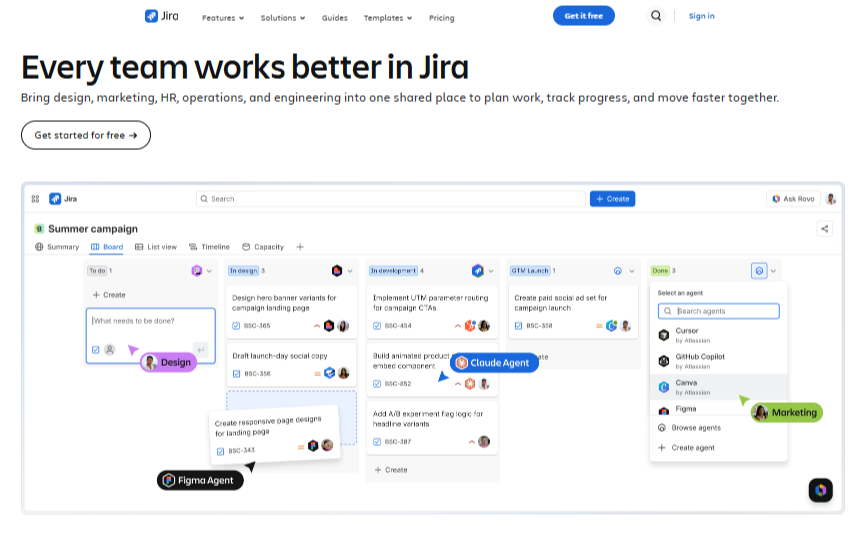
Jira originated in software development, and that heritage still shows. It’s powerful for structured, sprint-based workflows, but it’s rarely the first choice for a purely marketing-focused agency unless the team already has technical projects running alongside campaign work.
What stands out:
- Robust for teams that also manage technical or product work
- Strong permission and workflow customisation
- Detailed issue tracking and reporting
For most digital marketing agencies, Jira’s interface feels heavier than necessary, and client-facing collaboration isn’t its strength.
8. Productive
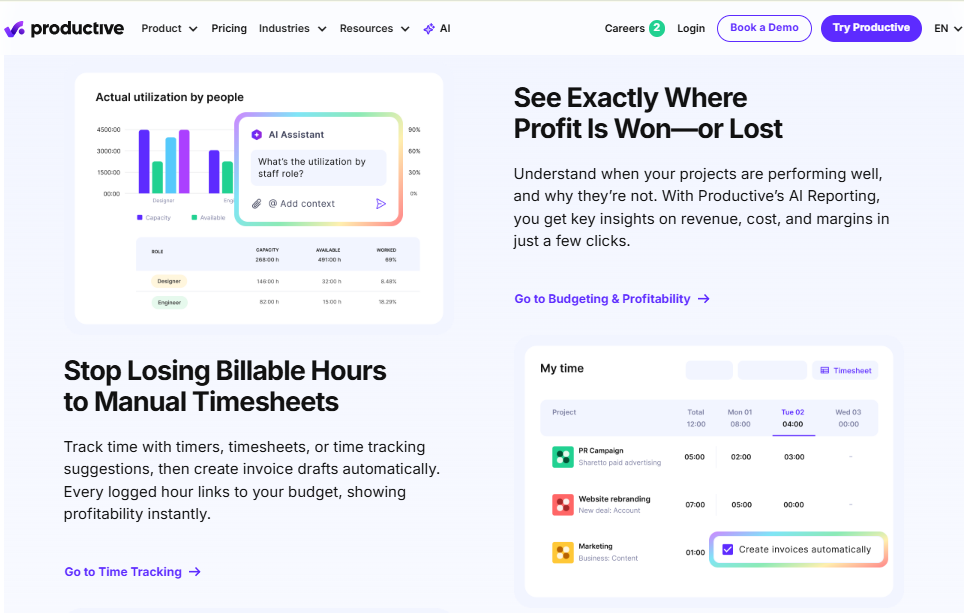
Productive is built specifically for agencies, which shows in how naturally it handles budgets, retainers, and profitability tracking alongside standard project management.
What stands out:
- Combines project management with financial tracking, including budgets and invoicing
- Resource planning built around billable hours
- Retainer management, useful for agencies on ongoing client contracts
It’s a strong option for agencies that want their PM tool and their financial reporting connected, though it can feel like overkill for very small teams.
9. Smartsheet
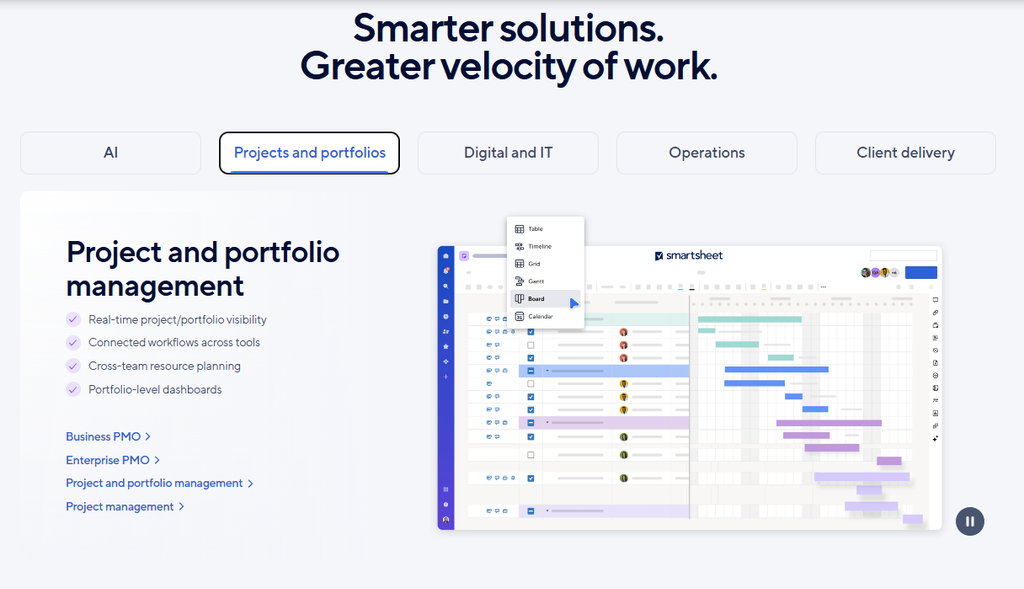
Smartsheet takes a spreadsheet-first approach, which suits teams that already think in rows and columns. It’s powerful for complex project tracking, particularly where multiple stakeholders need to see the same data in different formats.
What stands out:
- Familiar spreadsheet-style interface with added automation
- Strong reporting and dashboard capabilities
- Good for agencies managing large, multi-phase campaigns
Smartsheet’s learning curve can be steeper for teams used to visual, card-based tools rather than grids.
10. Zoho Projects
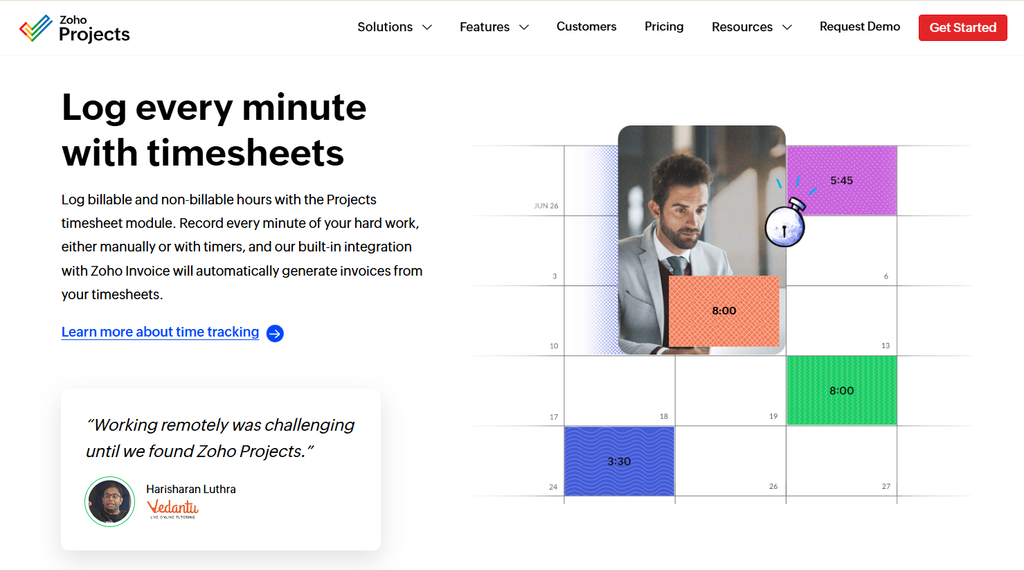
Zoho Projects is a budget-friendly option, particularly appealing to agencies already using other tools in the Zoho ecosystem, such as Zoho CRM or Zoho Books.
What stands out:
- Competitive pricing, especially for smaller teams
- Native integration with other Zoho apps
- Gantt charts and time tracking included even on lower-cost plans
It doesn’t have quite the polish or agency-specific features of some of the newer platforms, but for cost-conscious teams, it covers the essentials well.
Comparison at a Glance
| Tool | Best For | Client Approval Workflow | Built-In Reporting | Pricing Tier |
| Monday.com | Visual, flexible teams | Moderate | Moderate | Mid-range |
| Zynito | Agencies wanting an all-in-one, client-focused workspace | Strong | Strong | Mid-range |
| Asana | Campaign timelines and task tracking | Moderate | Moderate | Mid-range |
| ClickUp | Teams wanting maximum customisation | Moderate | Strong | Low to mid-range |
| Wrike | Larger agencies with complex workflows | Strong | Strong | Higher |
| Trello | Small teams, simple workflows | Basic | Basic | Low |
| Jira | Agencies with technical/product work | Basic | Moderate | Mid-range |
| Productive | Agencies tracking budgets and retainers | Moderate | Strong | Higher |
| Smartsheet | Spreadsheet-style, multi-phase campaigns | Moderate | Strong | Mid-range |
| Zoho Projects | Budget-conscious teams, Zoho users | Basic | Moderate | Low |
How to Choose the Right Project Management Software For Digital Marketing Agencies
There’s a lot of overlap between these tools on paper, but the right pick really comes down to your agency’s specific situation. Work through these questions before making a decision.
- How many clients does your team manage at once? A small agency with two or three clients has different needs from one juggling twenty accounts across multiple industries.
- How complex are your approval chains? If content needs sign-off from multiple stakeholders on the client side, prioritise a tool with a genuinely smooth social media approval workflow.
- What’s your budget, realistically? Factor in per-seat pricing as your team grows, not just the cost today.
- What integrations are non-negotiable? List the platforms your team already relies on and check compatibility before committing.
- Do you need built-in financial tracking? If billing and profitability tracking matter as much as task management, tools like Productive or Zynito, which combine both, are worth prioritising over simpler task boards.
- How steep a learning curve can your team handle? A powerful but complicated tool that nobody actually uses properly is worse than a simpler one your team adopts fully.
There isn’t a universally “correct” answer here. The best project management software for digital marketing agencies is the one your team will actually use consistently, not the one with the longest feature list.
Still weighing up your options? Book a free demo with Zynito and talk through your agency’s specific workflow with the team.
Common Mistakes Agencies Make When Choosing PM Software
Even with the right criteria in mind, it’s easy to make the wrong call. Watch out for these common pitfalls:
- Choosing on price alone. The cheapest plan often lacks the client-facing features that actually save your team time.
- Ignoring client experience. If clients find the approval process confusing or clunky, they’ll go back to emailing feedback instead, defeating the purpose of the tool.
- Skipping the trial period. Most platforms offer a free trial. Use it properly, with a real client project, before committing to an annual plan.
- Underestimating onboarding time. Even a good tool takes weeks to bed in properly. Plan for a transition period rather than expecting instant results.
- Overlooking automation potential. A marketing agency automation tool that handles repetitive admin, like status updates or client notifications, frees up hours that a purely manual system never will.
Getting this right isn’t about finding a perfect tool. It’s about matching a tool’s strengths to how your agency actually works day to day.
FAQs
- What is the best project management software for a digital marketing agency?
There’s no single winner, but Zynito, Monday.com, and Productive consistently score well for combining task management with client approvals and reporting. The right pick depends on your team size and budget.
- How is agency project management software different from regular PM tools?
Agency tools are built for managing multiple external clients at once, with client portals and approval workflows. Generic PM tools usually assume one internal team and lack that client-facing layer.
- Can project management software handle social media approval workflows?
Yes. Many platforms now let clients comment, request edits, and approve posts directly in the system. Zynito and Wrike are particularly strong here.
- Is there project management software with built-in client reporting?
Yes, tools like Zynito, Wrike, and Productive offer automated client dashboards, saving you from building reports manually each month.
- How much does project management software for marketing agencies cost?
It varies widely. Budget options like Trello and Zoho Projects start at just a few pounds per user monthly, while premium platforms like Wrike or Productive cost considerably more.
- Can small agencies use enterprise-level tools like Wrike or Jira?
Technically, yes, but it’s rarely the best fit. Smaller teams often get better value from simpler, agency-built tools like Zynito or Trello.
Final Thoughts
Choosing project management software for digital marketing agencies isn’t just about picking the tool with the most features. It’s about finding one that fits how your team actually works, keeps clients in the loop without extra admin, and scales as your agency grows.
Whether you’re managing three clients or thirty, the right platform should make your team’s week easier, not add another tool to check on top of everything else.
Ready to Upgrade Your Marketing Operations?
Disconnected tools, missed deadlines, and lost context don’t have to be part of running a marketing agency. Zynito brings campaign management, client collaboration, time tracking, and margin protection into one workspace.
2 Responses